Can I Use VLC on Firestick for B1G IPTV UK Guide
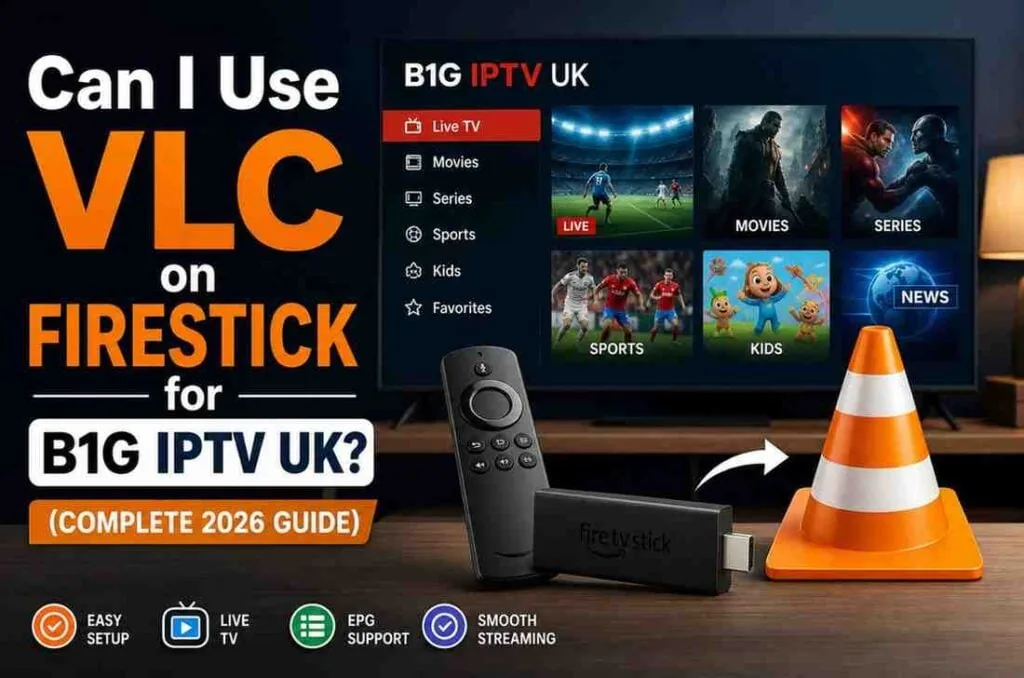
If you’ve just set up B1G IPTV UK on your Firestick, you may be searching for the best app to stream it. One common option mentioned in many VLC Firestick IPTV Guide articles is VLC. It’s free, well-known, and widely used, which is why many users try it first for IPTV playback on Firestick. A proper VLC Firestick IPTV Guide helps users understand how VLC works and whether it’s suitable for IPTV streaming.
But the key question is whether VLC is actually the best choice for B1G IPTV UK. While VLC does support IPTV playlists on Firestick, it doesn’t offer advanced features found in dedicated IPTV apps. So, although it works, it may not provide the smoothest or most feature-rich experience compared to other options explained in a VLC Firestick IPTV Guide.
What Is VLC and Why Do People Use It?
VLC (VideoLAN Client) is a free, open-source media player that works on almost every device — including Firestick, Android, Windows, and more.
People love it because:
- It’s completely free
- No ads
- Supports almost every video format
- Works with network streams
Because IPTV is basically streaming video over the internet, VLC can be used as an IPTV player.
And that’s why many beginners try it first.
Can You Install VLC on Firestick?
Yes, installing VLC on Firestick is very easy.
You can find it directly in the Amazon App Store.
Steps to install VLC on Firestick:
- Go to Find → Search
- Type VLC
- Select VLC for Fire
- Click Download
- Open the app
That’s it — no sideloading required.
Can VLC Work with B1G IPTV UK?
Yes — but only in a basic way.
To use VLC with B1G IPTV UK, you’ll need one of the following:
- M3U playlist URL
- Direct stream link
How to add IPTV to VLC:
- Open VLC
- Go to Browse
- Select Stream
- Enter your M3U URL
- Click Play
Your channels will start loading.
The Problem: VLC Is Not Built for IPTV
Here’s where reality kicks in.
While VLC technically works, it’s not designed for IPTV — and that becomes obvious very quickly.
What you’ll notice:
- No proper TV guide (EPG)
- No channel categories
- No easy navigation
- No favorites system
- No catch-up support
- Feels clunky on Firestick
It’s like using a basic video player to watch live TV — it works, but it’s far from a good experience.
VLC vs IPTV Apps: What’s the Difference?
To understand why VLC falls short, let’s compare it with real IPTV apps.
VLC Experience:
- Manual playlist loading
- No interface optimization for TV
- Limited control
- No advanced features
Dedicated IPTV App Experience:
- Clean TV-like interface
- Channel categories (Sports, Movies, Kids)
- EPG (TV guide)
- Catch-up & recording
- Favorites & search
That’s a massive difference in everyday use.
When VLC Actually Makes Sense
Even though VLC isn’t ideal, it still has some use cases.
VLC is good if:
- You just want to test your IPTV link
- You’re troubleshooting a stream
- You prefer a very simple setup
- You don’t care about UI or features
For example, if your IPTV isn’t working in another app, VLC can help you confirm whether the stream itself is working.
When VLC Is a Bad Choice
Let’s be honest — for most people using B1G IPTV UK, VLC is not the right app.
Avoid VLC if:
- You want a smooth TV experience
- You need a TV guide (EPG)
- You watch live channels regularly
- You want categories and easy browsing
- You expect fast navigation
In these cases, VLC will feel frustrating very quickly.
Best Alternatives to VLC for Firestick IPTV
If you’re serious about IPTV, you’ll want a dedicated player.
Here are the best options:
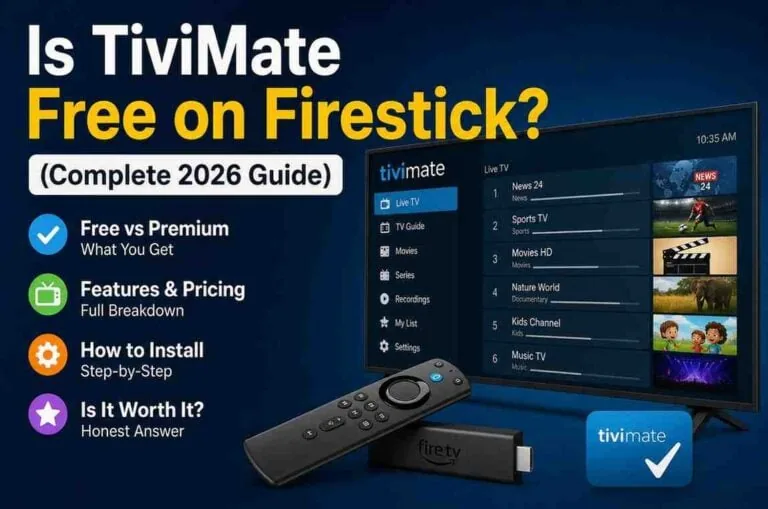
1. TiviMate (Best Overall)
TiviMate is widely considered the best IPTV player for Firestick.
Why people love it:
- Clean, TV-like interface
- Smooth performance
- Full EPG support
- Favorites & categories
- Multi-playlist support
Downside:
- Premium version required for full features
2. IPTV Smarters (Best for Beginners)
A very popular choice for beginners.
Features:
- Easy login (username/password or URL)
- Supports live TV, movies, series
- Clean layout
- Works with most IPTV providers
3. XCIPTV Player
A solid alternative with a modern interface.
Features:
- Built-in media player
- EPG support
- Catch-up compatibility
- Customizable layout
VLC vs TiviMate: Real-World Comparison
Let’s put things into perspective.
| Feature | VLC | TiviMate |
| Ease of Use | Basic | Excellent |
| TV Guide (EPG) | ❌ | ✅ |
| Channel Categories | ❌ | ✅ |
| Performance | Good | Excellent |
| IPTV Optimization | ❌ | ✅ |
| Cost | Free | Free + Premium |
Conclusion: VLC is a tool. TiviMate is an experience.
Does VLC Affect Streaming Quality?
This is a common concern.
The answer is:
No — VLC does not reduce IPTV quality.
Streaming quality depends on:
- Your internet speed
- Your IPTV provider
- Firestick performance
VLC simply plays the stream.
However…
Because VLC lacks optimization, you might feel like performance is worse due to:
- Slow navigation
- Buffering management issues
- Poor stream switching
Is VLC Safe to Use on Firestick?
Yes, VLC is completely safe.
- It’s open-source
- No hidden malware
- No ads
- Trusted worldwide
As long as you download it from the official Amazon App Store, you’re good to go.
Common Problems When Using VLC for IPTV
Let’s go over some issues users often face:
1. Channels Not Loading
- Wrong M3U link
- Expired subscription
- Server issue
2. No Channel List
- VLC doesn’t organize playlists well
3. Buffering Issues
- Network-related, not VLC itself
4. Hard Navigation
- Remote control not optimized
Tips to Improve VLC IPTV Experience
If you still want to use VLC, here are a few tips:
Use a clean M3U playlist
Messy playlists make VLC harder to use
Use favorites manually
Bookmark important streams
Use Ethernet instead of WiFi
Better stability
Restart Firestick regularly
Improves performance
Should You Use VLC for B1G IPTV UK?
Let’s keep it real.
YES — if:
- You just want a quick, free option
- You’re testing IPTV
- You like simple tools
NO — if:
- You want a full TV experience
- You watch IPTV daily
- You want ease and speed
Final Verdict
VLC on Firestick does work with B1G IPTV UK — but it’s far from ideal.
It’s like using a basic tool for something that requires a proper setup.
If you just need something quick and free, VLC is fine.
But if you actually want to enjoy your IPTV — smooth navigation, TV guide, categories, and a real viewing experience — you’re much better off using a dedicated IPTV app like TiviMate or IPTV Smarters.
Bottom Line
VLC = Simple, free, limited
IPTV Apps = Smooth, powerful, user-friendly
Choose based on what kind of experience you want.