Does Firestick RAM Affect B1G IPTV Performance?
Streaming IPTV on a Firestick should be smooth, fast, and frustration-free. But if you’ve ever experienced buffering, laggy menus, or apps randomly closing while using B1G IPTV UK, you’ve probably wondered what’s actually causing it.
Is it your internet? The IPTV service? Or something inside your Firestick itself?
One factor that doesn’t get talked about enough is RAM—and yes, it plays a bigger role than most people think. When it comes to Firestick RAM IPTV performance, limited memory can directly impact how smoothly your streams run and how responsive your apps feel.
In this complete guide, we’ll break down exactly how Firestick RAM affects B1G IPTV UK performance, what limits you might be facing, and how to optimize your device for the best possible streaming experience. By understanding Firestick RAM IPTV performance, you’ll be able to identify bottlenecks and fix common issues like buffering and crashes.
What Is RAM on Firestick? (Simple Explanation)
RAM (Random Access Memory) is your Firestick’s short-term memory. It temporarily stores data that your apps need while running.
Think of it like a workspace:
- The bigger the workspace → the more tasks you can handle smoothly
- The smaller the workspace → the quicker things get cluttered
When you open your IPTV app, stream channels, switch menus, or load EPG data, your Firestick uses RAM to handle all of that in real time.
How Much RAM Does a Firestick Have?
Different Firestick models come with different RAM capacities:
- Firestick Lite / Standard → 1GB RAM
- Firestick 4K / 4K Max → 1.5GB–2GB RAM
That might sound small compared to phones or laptops—but for streaming devices, it’s normal.
However, when it comes to IPTV… that’s where things get interesting.
Does Firestick RAM Affect B1G IPTV UK Performance?
Short Answer: Yes, it absolutely does.
RAM directly impacts how smoothly B1G IPTV UK runs on your Firestick.
Here’s how:
1. App Speed and Responsiveness
Low RAM means:
- Slower app launches
- Delayed menu navigation
- Lag when switching channels
Higher RAM allows your IPTV app to run more smoothly without stuttering.
2. Buffering Issues
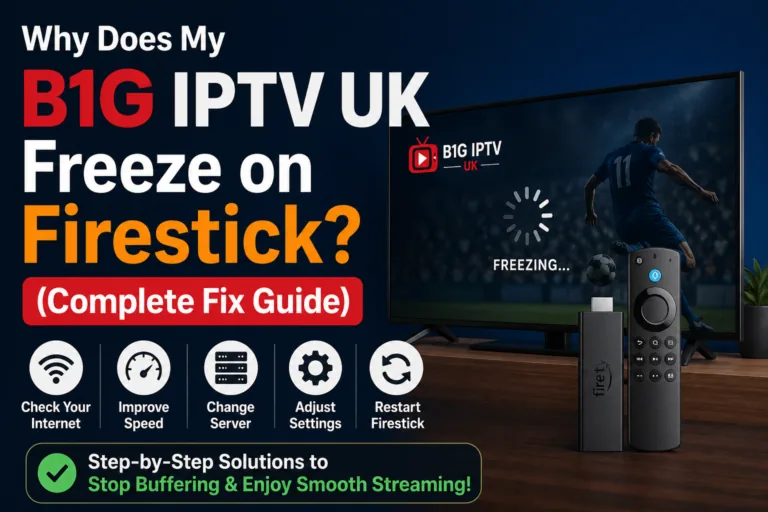
Many people assume buffering is only caused by internet speed. That’s not entirely true.
If your RAM is overloaded:
- The app struggles to process streams
- Playback becomes unstable
- Buffering increases—even on fast internet
3. Multitasking Problems
Firestick runs apps in the background.
If your device has limited RAM:
- Background apps consume memory
- IPTV performance drops
- Apps may crash or restart
4. EPG (TV Guide) Loading
B1G IPTV UK often loads large EPG data.
Low RAM can cause:
- Slow guide loading
- Missing program info
- Freezing when scrolling
5. App Crashes and Freezing
When RAM runs out:
- Apps may close automatically
- Streams stop unexpectedly
- You’re forced to restart
Why B1G IPTV UK Uses More RAM Than Other Apps
Not all apps are equal.
Compared to apps like YouTube or Netflix, IPTV apps:
- Load live streams continuously
- Handle large channel lists
- Process EPG data
- Decode various video formats
All of this requires more RAM.
That’s why performance issues show up faster on lower-end Firesticks.
Signs Your Firestick RAM Is Causing Problems
Here’s how to tell if RAM is your bottleneck:
1. Slow Navigation
Menus lag or take time to respond.
2. Frequent Buffering (Despite Good Internet)
Streams pause even though your speed is fine.
3. App Restarts
The IPTV app reloads unexpectedly.
4. Device Feels Overheated
High RAM usage can stress the system.
5. Delayed Channel Switching
It takes several seconds to switch streams.
If you notice multiple signs, RAM is likely part of the issue.
How to Improve B1G IPTV UK Performance on Low RAM Firesticks
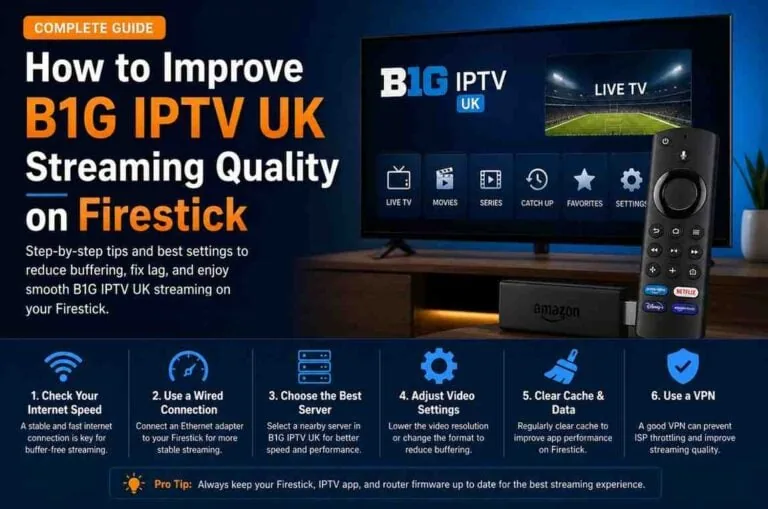
Even if your Firestick has limited RAM, you can still optimize it.
1. Clear Cache Regularly
Cache builds up and consumes memory.
- Go to Settings → Applications
- Manage Installed Applications
- Select IPTV app
- Click Clear Cache
This frees up RAM instantly.
2. Close Background Apps
Firestick doesn’t automatically close apps.
Use:
- App cleaners
- Or restart your device
This releases memory.
3. Restart Your Firestick Frequently
A simple restart:
- Clears RAM
- Stops background processes
- Improves performance
Do this at least once a week.
4. Remove Unused Apps
More apps = more background processes.
- Uninstall what you don’t use
- Keep your system lightweight
5. Use a Lightweight IPTV Player
Some IPTV apps are heavier than others.
Lightweight apps:
- Use less RAM
- Load faster
- Perform better on low-end devices
6. Reduce Stream Quality
If RAM is limited:
- Switch from 4K → HD
- Or HD → SD
Lower quality reduces memory load.
7. Keep Storage Space Free
Low storage can indirectly affect RAM performance.
Try to keep at least:
- 1GB free space
Does Upgrading Firestick Improve IPTV Performance?
Yes—and significantly.
If you’re using a basic Firestick, upgrading to a higher model can make a noticeable difference.
Benefits of Upgrading:
- More RAM
- Faster processor
- Better streaming stability
- Less buffering
For IPTV users, this upgrade is often worth it.
Firestick RAM vs Internet Speed: Which Matters More?
This is a common question.
Internet Speed Controls:
- Stream quality
- Loading speed
- Initial buffering
RAM Controls:
- Smooth playback
- App performance
- Stability
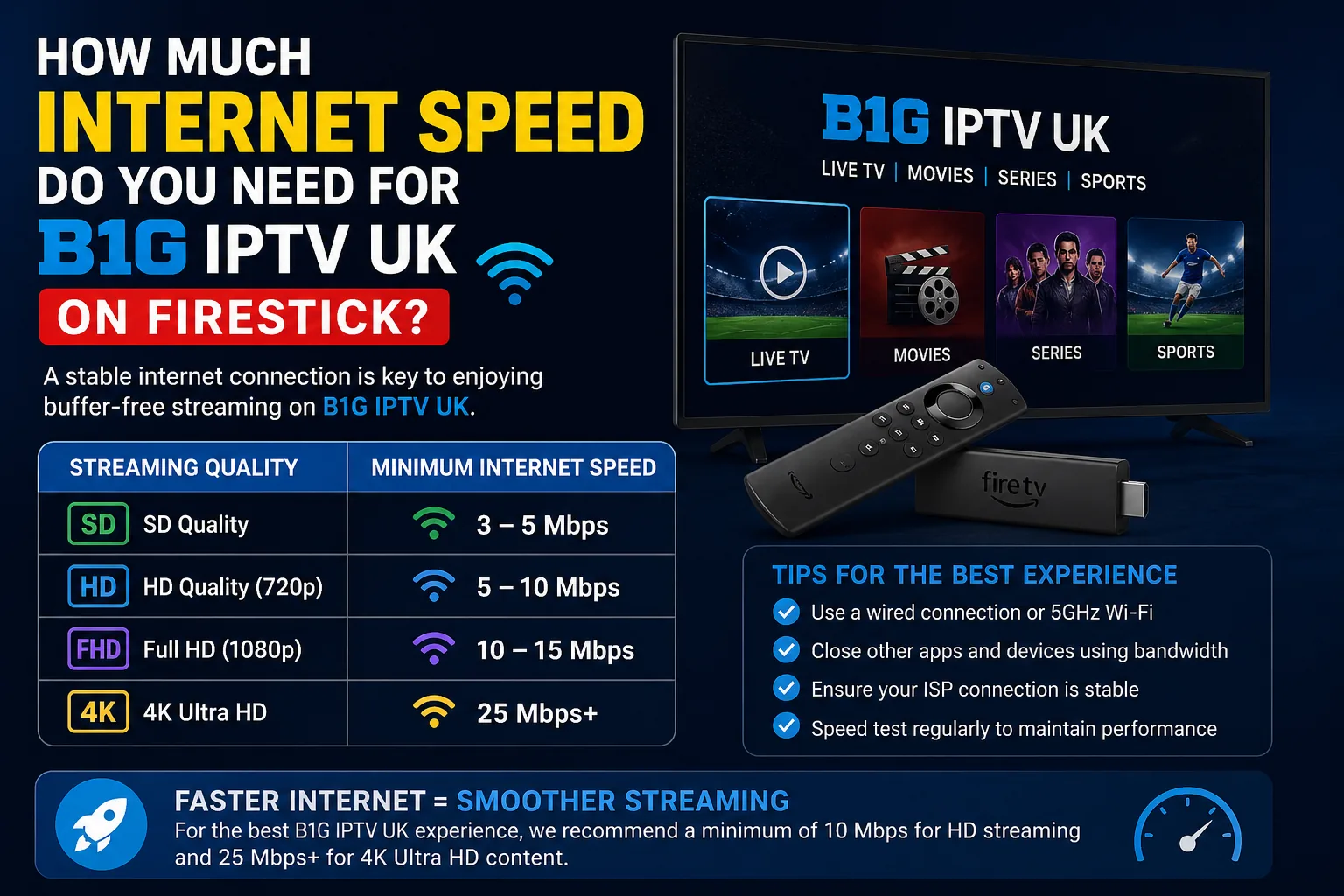
You need both.
Even with fast internet, low RAM can still cause issues.
Common Myths About Firestick Performance
Let’s clear up some confusion:
“Buffering is always internet-related”
Not true. RAM plays a big role.
“Clearing cache doesn’t help much”
It actually improves both RAM usage and performance.
“All Firesticks perform the same”
Different models have different RAM and power.
“VPN always slows everything down”
A good VPN can improve stability by avoiding throttling.
When RAM Is NOT the Problem
Sometimes the issue lies elsewhere:
1. IPTV Server Issues
Provider-side problems can cause buffering.
2. Slow Internet Connection
Below required speed = constant buffering.
3. Poor Wi-Fi Signal
Distance from router affects performance.
4. App Bugs
Outdated apps may glitch regardless of RAM.
Best Practices for Smooth IPTV Streaming
To get the best experience:
- Clear cache weekly
- Restart your Firestick regularly
- Avoid overloading apps
- Use stable internet
- Keep apps updated
Consistency matters more than quick fixes.
Quick Recap
Does Firestick RAM affect B1G IPTV UK performance?
Yes, and it’s a major factor.
Low RAM can cause:
- Buffering
- Lag
- App crashes
- Slow navigation
But with the right optimizations, you can still enjoy smooth streaming.
Final Thoughts
If your B1G IPTV UK experience on Firestick feels inconsistent, don’t just blame your internet. RAM plays a critical role behind the scenes, affecting everything from app speed to playback stability.
The good news is that you don’t always need a new device. Simple steps like clearing cache, closing background apps, and restarting your Firestick can make a noticeable difference.
However, if you’re a heavy IPTV user and want a consistently smooth experience, upgrading to a higher RAM Firestick might be the smartest long-term solution.
Streaming should be simple—and once your Firestick is optimized, it finally will be.