How Much Internet Speed for B1G IPTV UK on Firestick?
Streaming IPTV on a Firestick has become one of the most popular ways to watch live TV, sports, and on-demand content. But nothing ruins the experience faster than buffering, lag, or poor video quality. If you’re using B1G IPTV UK on your Firestick, one of the biggest factors that determines your viewing quality is your internet speed.
Many users assume that simply having Wi-Fi is enough—but the reality is more nuanced. The speed you need depends on video quality, the number of devices connected, and even how stable your connection is.
In this complete guide, you’ll learn exactly how much internet speed you need for B1G IPTV UK on Firestick, along with practical tips to optimize your streaming performance.
Why Internet Speed Matters for IPTV Streaming
IPTV services stream content in real-time over the internet. Unlike traditional cable TV, there’s no buffer from a satellite or broadcast signal. Everything depends on your connection.
If your speed is too low or unstable, you may experience:
- Constant buffering
- Freezing screens
- Pixelated or blurry video
- Audio syncing issues
- Channels not loading
A fast and stable internet connection ensures smooth playback, especially when watching live sports or HD channels.
Minimum Internet Speed Requirements
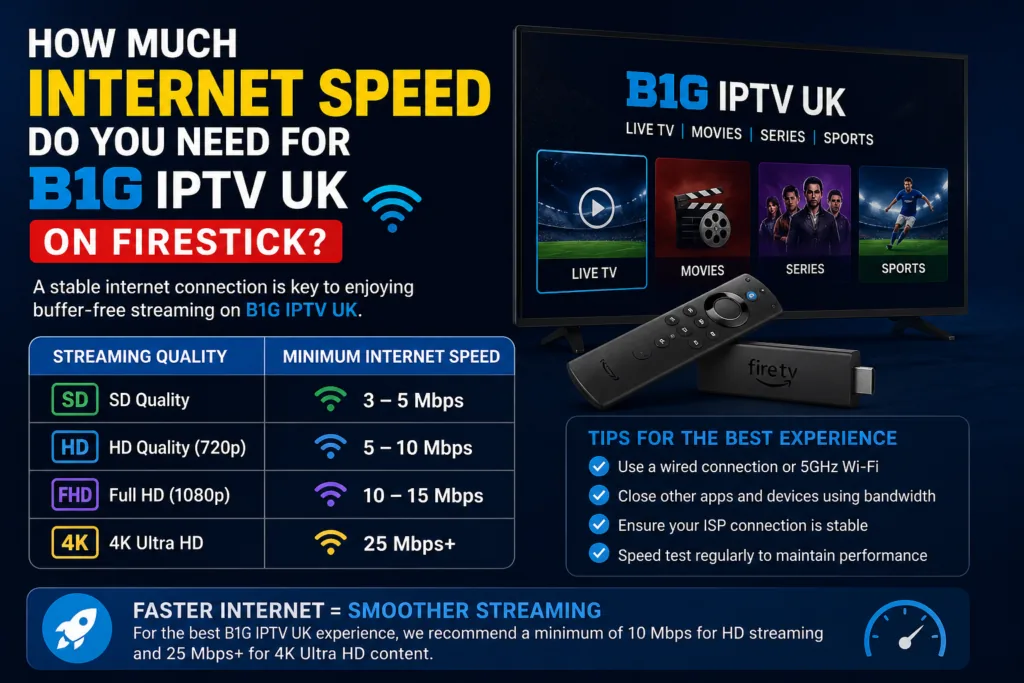
Let’s start with the basics. Here are the minimum speeds required for different streaming qualities on B1G IPTV UK:
Standard Definition (SD)
- Minimum Speed: 5 Mbps
- Suitable for casual viewing
- Lower quality but uses less data
High Definition (HD)
- Minimum Speed: 10 Mbps
- Recommended for most users
- Clear picture and stable playback
Full HD (1080p)
- Minimum Speed: 15–20 Mbps
- Ideal for sports and movies
- Smooth experience with minimal buffering
4K Ultra HD
- Minimum Speed: 25–35 Mbps
- Best quality available
- Requires strong and stable connection
These are minimum requirements. For the best experience, you should always aim higher.
Recommended Internet Speed for Best Performance
While minimum speeds can work, they don’t guarantee a smooth experience. For B1G IPTV UK on Firestick, here are recommended speeds:
- Single Device Streaming: 25 Mbps
- Multiple Devices (2–3): 40–50 Mbps
- Heavy Usage Households: 75+ Mbps
This ensures you can stream without interruptions, even if other devices are using the internet.
Factors That Affect IPTV Streaming Quality
Internet speed alone isn’t everything. Several other factors influence your streaming performance:
1. Wi-Fi Signal Strength
If your Firestick is far from the router, your speed drops significantly.
Solution:
- Use a Wi-Fi extender
- Place router closer to your TV
2. Network Congestion
Too many devices using the same network can slow things down.
Examples:
- Smartphones
- Laptops
- Gaming consoles
Solution:
Limit active devices while streaming.
3. Router Quality
Old or low-quality routers can’t handle high-speed streaming.
Solution:
Upgrade to a dual-band or modern router.
4. ISP Throttling
Some internet providers slow down streaming traffic.
Solution:
Use a reliable VPN (but note it can slightly reduce speed).
5. IPTV Server Quality
Even with fast internet, a poor IPTV server can cause buffering.
Solution:
Choose a reliable IPTV provider like B1G IPTV UK.
How to Test Your Internet Speed
Before optimizing, you should check your current speed.
Steps:
- Open a browser or speed test app
- Run a speed test
- Check:
- Download speed
- Ping (latency)
- Stability
Ideal Results:
- Download: 25+ Mbps
- Ping: Below 30 ms
- Stable connection
If your speed is below recommended levels, you’ll likely face issues.
Best Internet Setup for Firestick IPTV
To get the best performance from B1G IPTV UK, follow these setup tips:
Use 5GHz Wi-Fi
- Faster than 2.4GHz
- Less interference
- Better for streaming
Wired Connection (Ethernet)
If possible, use an Ethernet adapter for Firestick.
Benefits:
- More stable connection
- Less buffering
- Consistent speeds
Optimize Router Placement
- Place router in a central location
- Avoid walls and obstacles
- Keep away from electronics
Restart Your Network Regularly
Rebooting your router clears temporary issues and improves performance.
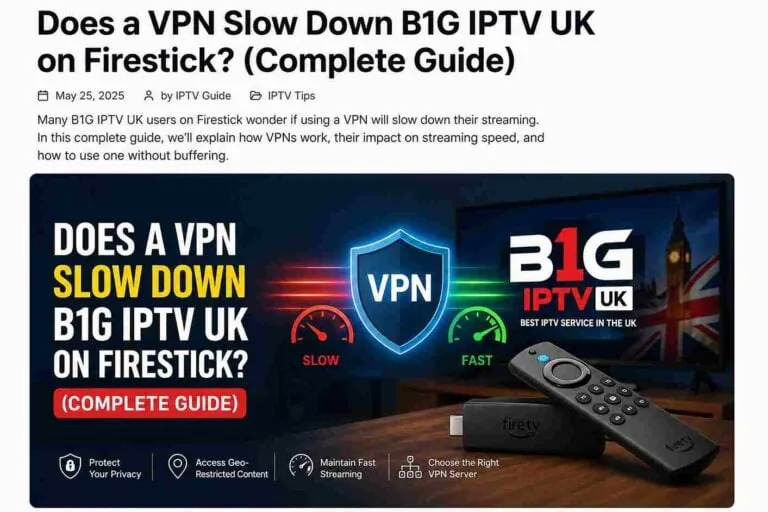
Does a VPN Affect Internet Speed?
Yes, a VPN can slightly reduce your internet speed because it encrypts your data.
Pros of Using VPN:
- Bypasses ISP throttling
- Improves privacy
- Access geo-restricted content
Cons:
- Slight speed reduction (5–20%)
Recommendation:
Use a high-speed VPN to minimize speed loss.
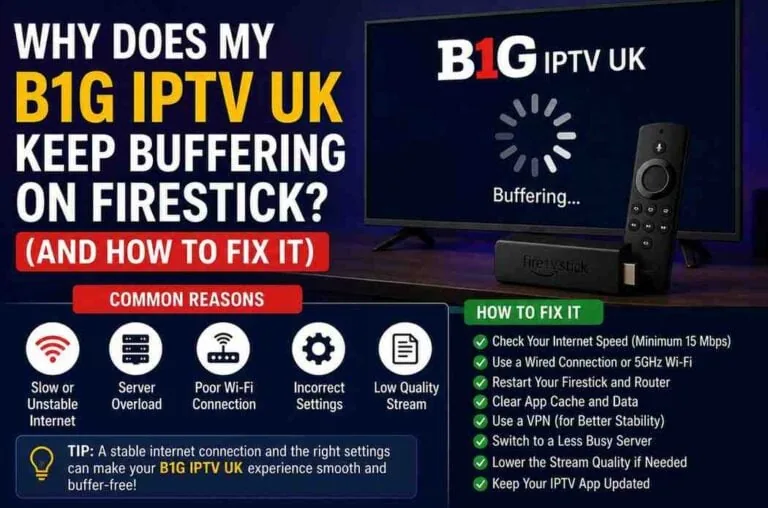
Common Streaming Problems and Fixes
Buffering Issues
Causes:
- Slow internet
- Network congestion
Fix:
- Upgrade speed
- Reduce connected devices
Channels Not Loading
Causes:
- Server issues
- Weak connection
Fix:
- Restart app
- Check internet stability
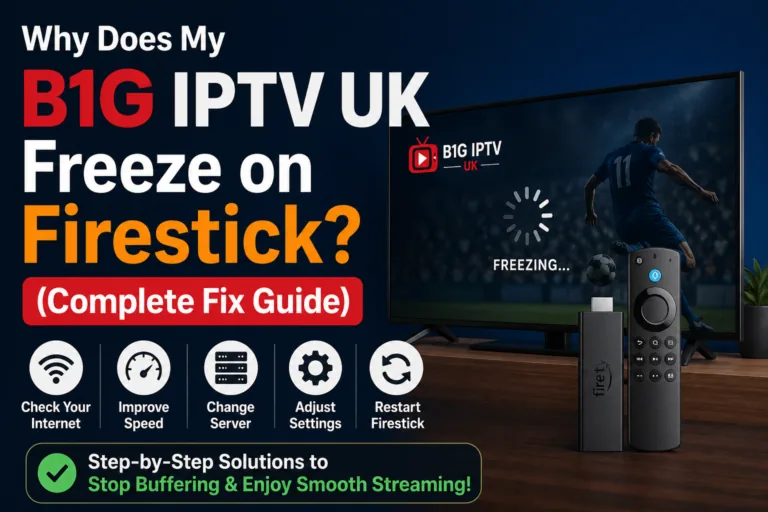
Lag or Freezing
Causes:
- Low bandwidth
- Weak Wi-Fi signal
Fix:
- Move closer to router
- Use Ethernet connection
How Much Speed Do You Really Need?
Let’s simplify it:
- Casual viewer → 10 Mbps
- Regular HD viewer → 20 Mbps
- Sports & Full HD → 25–30 Mbps
- 4K streaming → 35+ Mbps
If you want zero buffering and smooth streaming, aim for at least 30 Mbps.
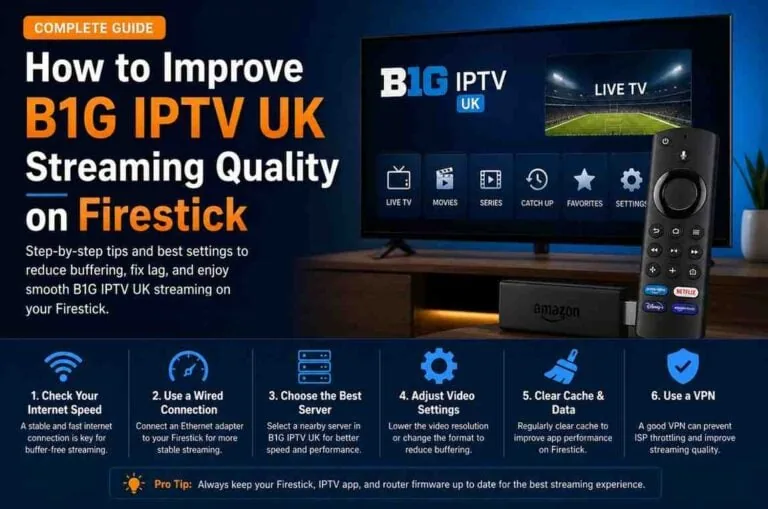
Tips to Improve IPTV Streaming Quality
Here are some proven tips to enhance your experience:
1. Close Background Apps
Free up bandwidth by closing unused apps on Firestick.
2. Clear Cache
Regularly clear cache from your IPTV app.
3. Update Apps
Always use the latest version of your IPTV player.
4. Choose the Right Player
Apps like:
- TiviMate
- IPTV Smarters
- GSE Smart IPTV
These offer better performance and stability.
5. Use Adaptive Streaming Settings
Lower resolution if your connection struggles.
Internet Speed vs Stability: What Matters More?
Speed is important—but stability is even more critical.
A stable 20 Mbps connection is better than an unstable 50 Mbps one.
Stability Depends On:
- Low latency
- Minimal packet loss
- Consistent speeds
For IPTV, consistency is key.
Data Usage for IPTV Streaming
Streaming IPTV consumes data. Here’s an estimate:
- SD: 1 GB per hour
- HD: 2–3 GB per hour
- Full HD: 3–5 GB per hour
- 4K: 7–10 GB per hour
If you have a data cap, keep this in mind.
Best Internet Plans for IPTV Users
When choosing an internet plan, look for:
- Unlimited data
- At least 30 Mbps speed
- Low latency
- Reliable ISP
Fiber connections are usually the best option for IPTV streaming.
Final Thoughts
To enjoy B1G IPTV UK on Firestick without interruptions, your internet speed plays a crucial role. While the minimum requirement might be as low as 10 Mbps for HD streaming, a smoother and more reliable experience requires at least 25–30 Mbps.
However, speed alone isn’t everything. Stability, router quality, and network setup all contribute to your overall streaming performance.
If you combine a fast connection with proper setup and optimization, you can enjoy buffer-free IPTV streaming, crystal-clear video quality, and a seamless entertainment experience.