Does VPN Slow B1G IPTV UK on Firestick Speed Explained
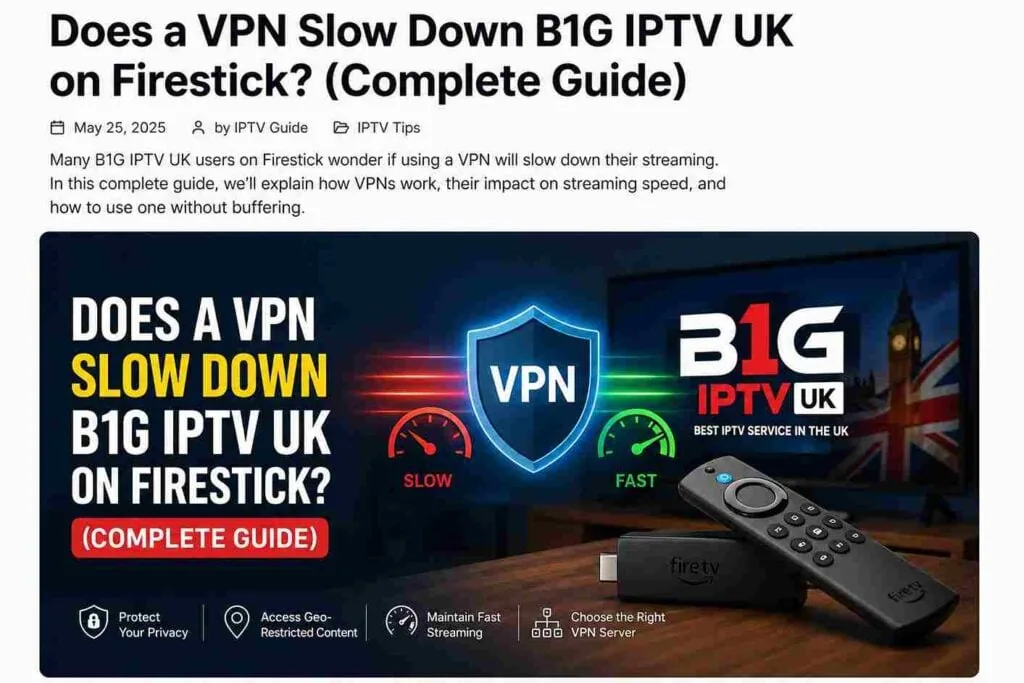
Streaming IPTV on Firestick has become one of the most popular ways to watch live TV, sports, and movies. If you’re using B1G IPTV UK, you’ve probably heard people recommend using a VPN for privacy and access. But there’s one big question that keeps coming up, especially regarding VPN speed B1G IPTV:
Does a VPN actually slow down B1G IPTV UK on Firestick?
The short answer is: Yes, it can—but it doesn’t have to, depending on how well VPN speed B1G IPTV is optimized.
In this detailed guide, we’ll break down exactly how VPNs affect IPTV performance, why buffering happens, and how you can get the best streaming experience without sacrificing speed or security while maintaining optimal VPN speed B1G IPTV.
What Happens When You Use a VPN on Firestick?
A VPN (Virtual Private Network) works by encrypting your internet connection and routing it through a secure server in another location. This changes your IP address and keeps your activity private.
When you use a VPN with B1G IPTV UK on Firestick, three main things happen:
- Your traffic is encrypted
- Your connection is routed through a remote server
- Your real location is hidden
While this improves privacy and access, it can also introduce extra steps in your connection, which may affect speed.
Does a VPN Slow Down IPTV Streaming?
Let’s be honest—a VPN can slow down your connection, but the impact depends on several factors.
Why a VPN Might Slow Down B1G IPTV UK
- Encryption Overhead
VPNs encrypt your data, which requires processing power. On a Firestick (which isn’t very powerful), this can slightly reduce speed. - Server Distance
The farther the VPN server is from your location, the longer data takes to travel. - Server Load
If too many users are connected to the same VPN server, speeds can drop. - Internet Speed Limitations
If your base internet speed is already low, a VPN will make it more noticeable.
When a VPN Actually Improves IPTV Performance
Here’s something most people don’t realize:
A VPN can sometimes make IPTV streaming better.
How?
- Avoid ISP Throttling
Some internet providers slow down streaming traffic. A VPN hides your activity, preventing this. - Better Routing
Some VPN servers offer faster routes to IPTV servers. - Stable Connection
A VPN can reduce random drops or buffering caused by network congestion.
So while VPNs can slow things down, they can also fix buffering issues in certain cases.
How Much Speed Loss Should You Expect?
In real-world usage, a good VPN typically reduces speed by:
- 10% to 30% (high-quality VPN)
- 30% to 70% (free or poor VPNs)
For IPTV streaming, this difference matters because:
- HD streaming requires ~10–15 Mbps
- 4K streaming requires ~25+ Mbps
If your base speed is strong, you may not even notice the difference.
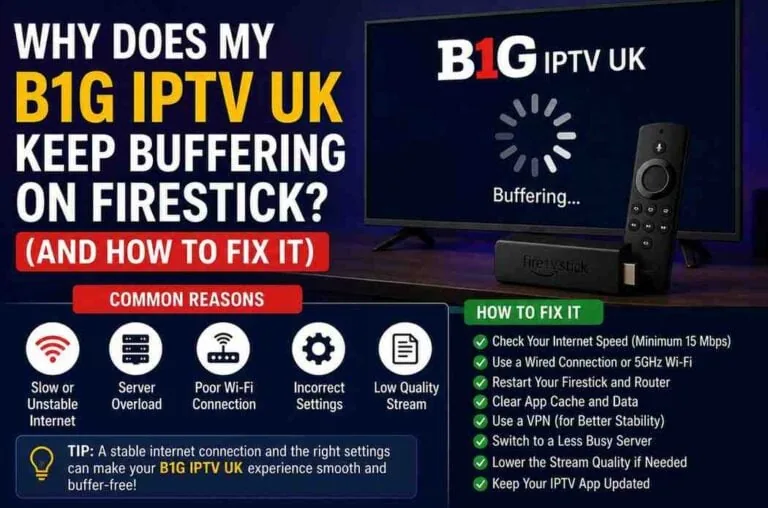
Signs Your VPN Is Slowing Down B1G IPTV UK
If your VPN is causing problems, you’ll likely notice:
- Frequent buffering
- Lower video quality (auto downscaling)
- Channels taking longer to load
- Freezing during live sports
If these issues appear only when the VPN is ON, it’s a clear sign the VPN is the bottleneck.
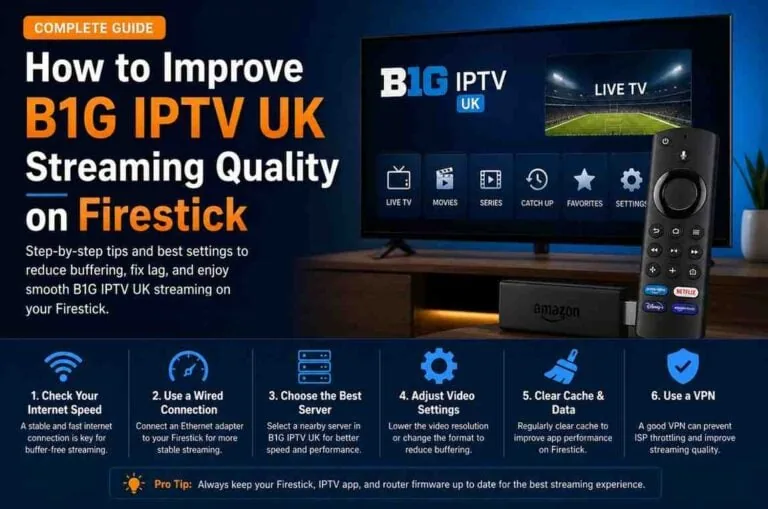
How to Use a VPN Without Slowing Down IPTV
You don’t have to choose between speed and security. Here’s how to optimize both:
1. Choose a Nearby Server
Always connect to a VPN server close to your location.
- Closer server = lower latency
- Faster streaming = fewer buffers
2. Use a High-Speed VPN Protocol
Most VPN apps offer different protocols. Choose:
- WireGuard (fastest)
- IKEv2 (stable)
- Avoid older protocols like OpenVPN (slower on Firestick)
3. Avoid Free VPNs
Free VPNs are the biggest cause of IPTV buffering.
They usually have:
- Limited bandwidth
- Overcrowded servers
- Slow speeds
If you’re serious about streaming, a premium VPN is worth it.
4. Check Your Internet Speed First
Before blaming the VPN, test your base speed.
If your speed is below:
- 15 Mbps → expect buffering even without VPN
5. Use Split Tunneling (If Available)
Some VPN apps let you choose which apps use the VPN.
You can:
- Run IPTV through VPN
- Keep other apps on normal internet
This improves overall performance.
6. Restart Your Firestick and Router
It sounds simple, but it works:
- Clears temporary issues
- Refreshes connection
- Improves speed stability
Best VPN Settings for B1G IPTV UK on Firestick
To get smooth streaming, use these settings:
- Server: Nearest or UK-based (if needed for content)
- Protocol: WireGuard
- Auto-connect: Off
- Kill switch: Optional (can slow things slightly)
Should You Always Use a VPN with IPTV?
This depends on your priorities.
Use a VPN if:
- You want privacy
- Your ISP throttles streaming
- You access geo-restricted channels
Skip VPN if:
- Your speed is already low
- You experience constant buffering
- You only watch local content
Common Myths About VPN and IPTV
Myth 1: VPN always slows everything down
Truth: Only poorly optimized VPNs do.
Myth 2: Free VPNs are good enough
Truth: They’re usually the worst for IPTV.
Myth 3: VPN guarantees zero buffering
Truth: It helps, but doesn’t fix weak internet.
Real-World Scenario: VPN vs No VPN
Let’s compare:
Without VPN:
- Speed: 50 Mbps
- Occasional ISP throttling
- Some buffering during peak hours
With VPN:
- Speed: 40 Mbps
- No throttling
- Smoother streaming
Result: VPN actually improves experience.
Do this quick test:
- Run IPTV without VPN
- Run IPTV with VPN
- Compare buffering and quality
If performance drops significantly, switch servers or VPN provider.
Final Verdict: Does VPN Slow Down B1G IPTV UK?
Here’s the honest answer:
Yes, a VPN can slow down B1G IPTV UK on Firestick—but only slightly if configured properly.
In many cases, it actually improves streaming by avoiding ISP throttling.
The key is not whether you use a VPN—but how you use it.
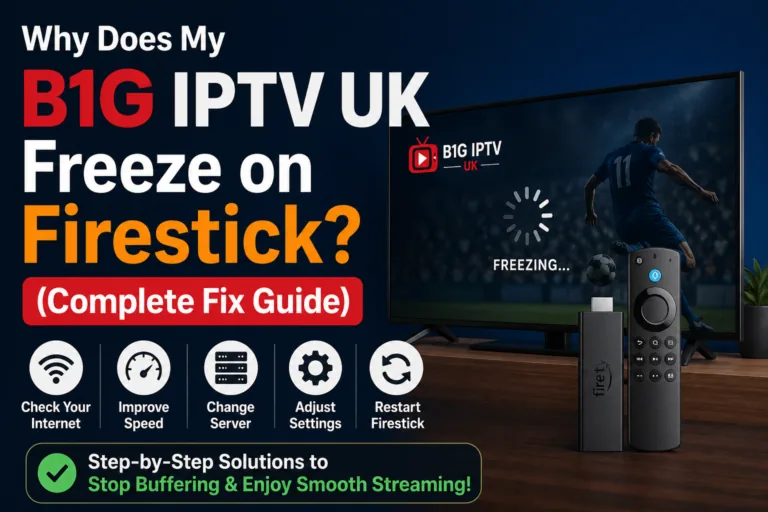
Pro Tips for Buffer-Free IPTV Streaming
- Use high-speed internet (25+ Mbps recommended)
- Choose a premium VPN
- Connect to nearby servers
- Keep Firestick apps updated
- Clear cache regularly
Conclusion
Using a VPN with B1G IPTV UK on Firestick is a smart move—but only if you do it right. A poorly configured VPN can ruin your streaming experience, while a well-optimized one can make it smoother than ever.
If you’re experiencing buffering, don’t rush to disable your VPN. Instead, tweak your settings, switch servers, or upgrade your provider.
Streaming should be smooth, fast, and enjoyable—and with the right setup, it absolutely can be.